Brand kit
Logos, app icons and social images — free to download and use.
Everything below is the current brand: the mark, the wordmark, the palette and the type. The vector files are drawn as outlines, so the wordmark renders correctly on any machine without the font installed. Each asset is generated from one source in the repository, so nothing here is ever out of date.
Logo
The mark with the wordmark, drawn as outlines — so it renders the same everywhere, with no font to install. SVG scales to any size; use the PNG only where SVG is not accepted.
Mark and wordmark side by side. The default: headers, email, invoices.

The same lockup for a dark background — white text, brighter green.

Mark above the wordmark. For a square or narrow space.

The stacked lockup for a dark background.

The app-icon tile on its own. Use it where the name is already known.

Monochrome, inherits its colour. For a heading or a button.
Transparent PNG for a tool that will not take an SVG.

Transparent PNG, stacked, for the same reason.

App icon & favicon
Square, opaque app icons and transparent favicons. The same mark, sized for the places that ask for a specific pixel dimension.
Square, opaque. Google Play, the web app manifest, anywhere an app icon goes.

The Android home-screen size the manifest lists.

Transparent. The browser tab, if you need the file directly.

Transparent, for the smallest tab size.

Social media
Profile picture, page covers and post images at the sizes the platforms crop to. The name is kept inside the safe area of each one.
Facebook, Instagram, X, LinkedIn, WhatsApp Business. Square; crops to a circle cleanly.

Facebook Page cover. The name sits centred, clear of the profile-picture overlap.
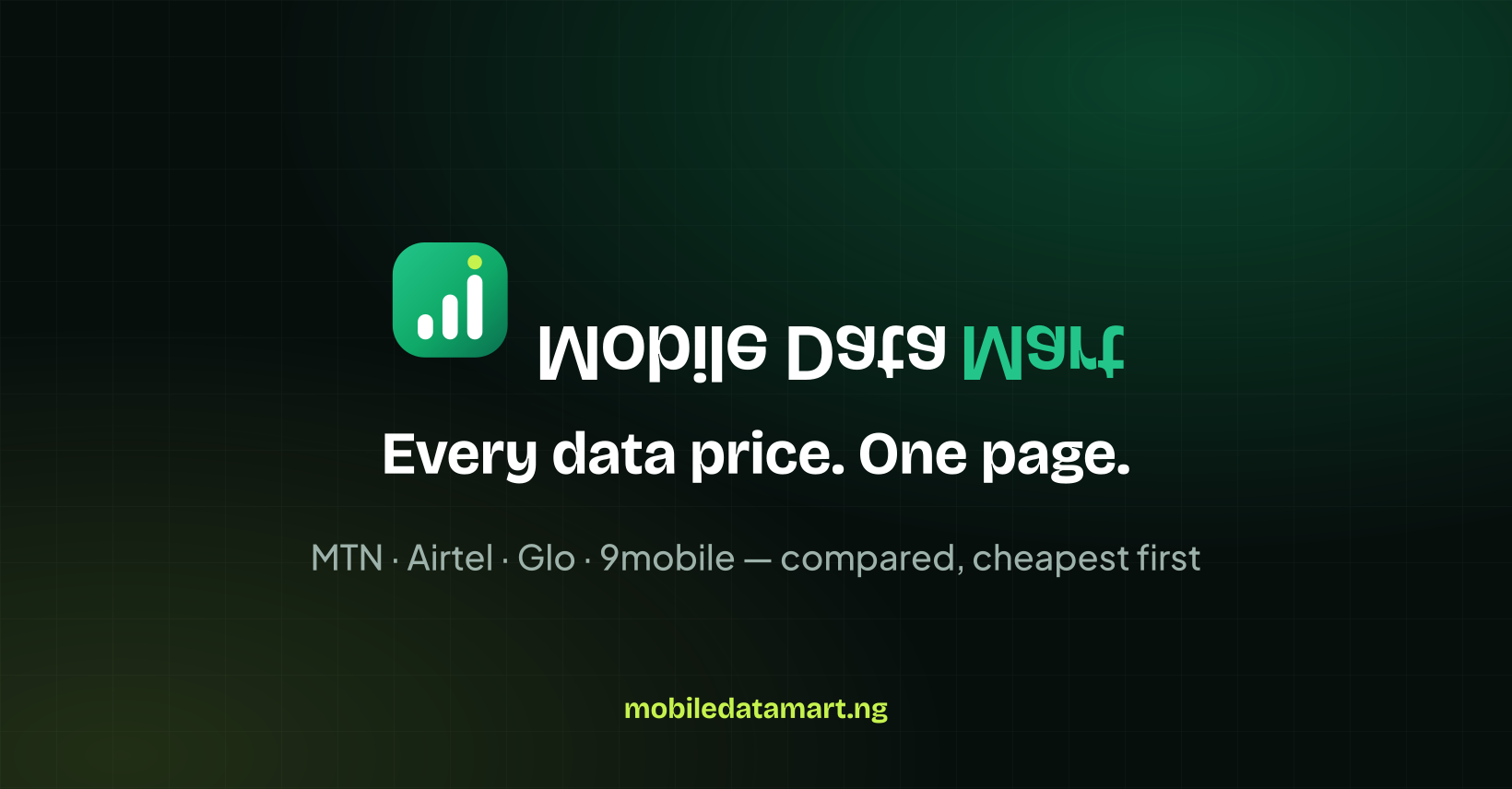
X header. Content is kept to the middle band, which is what survives the crop.
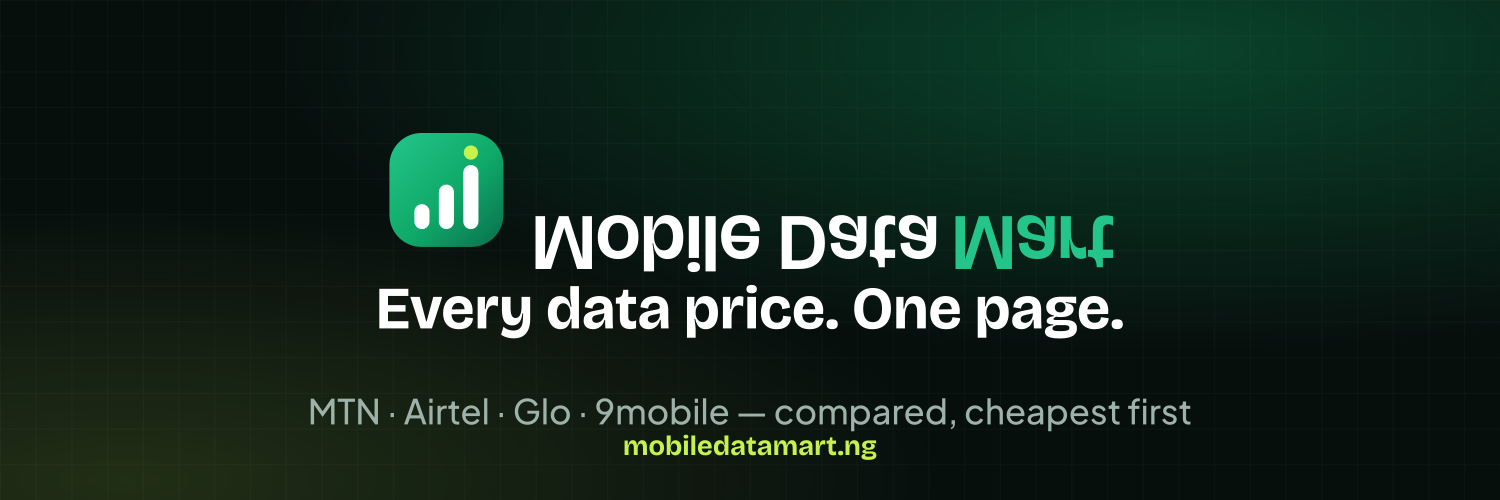
LinkedIn company-page banner.

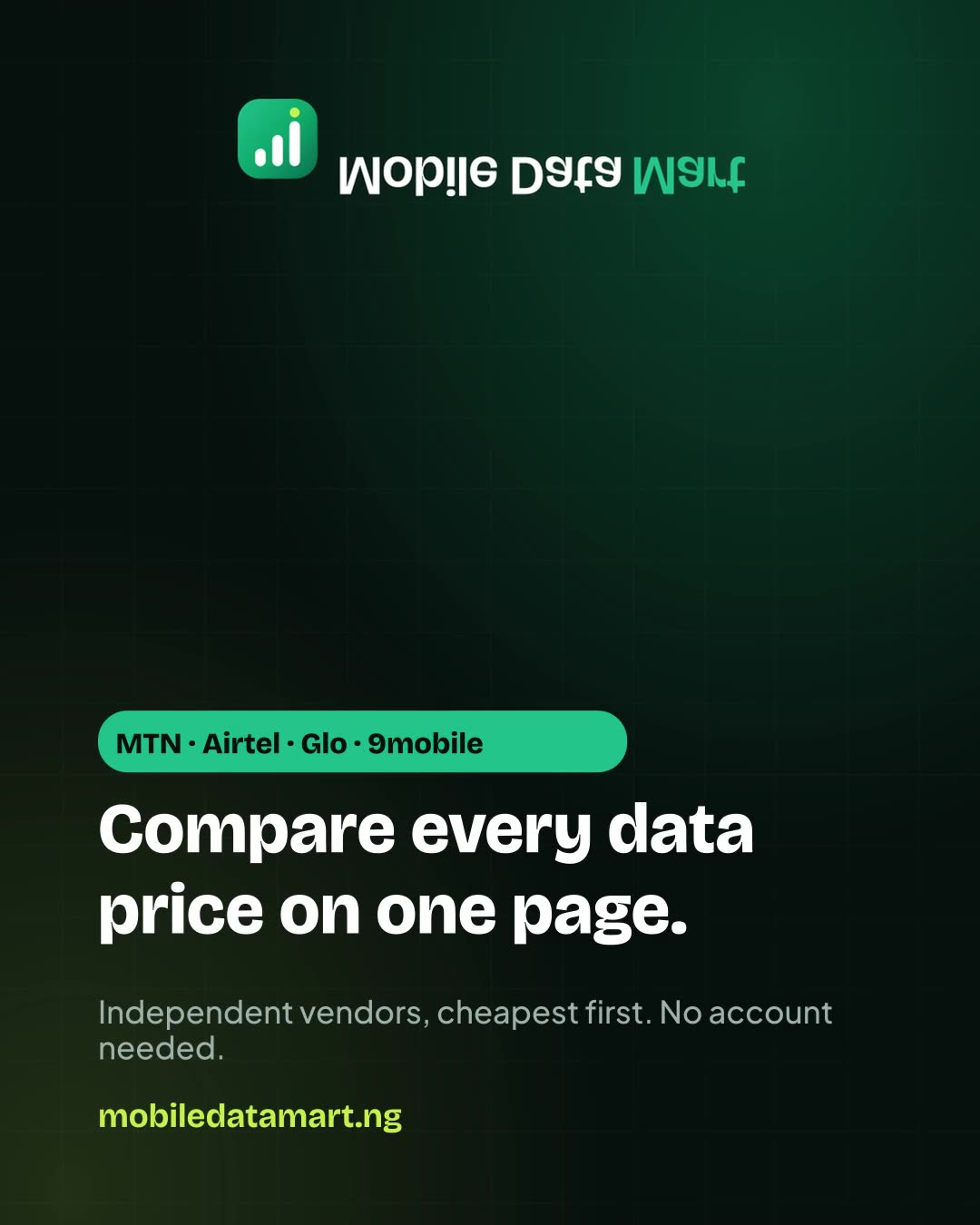
The feed default. The comparison claim, no price.
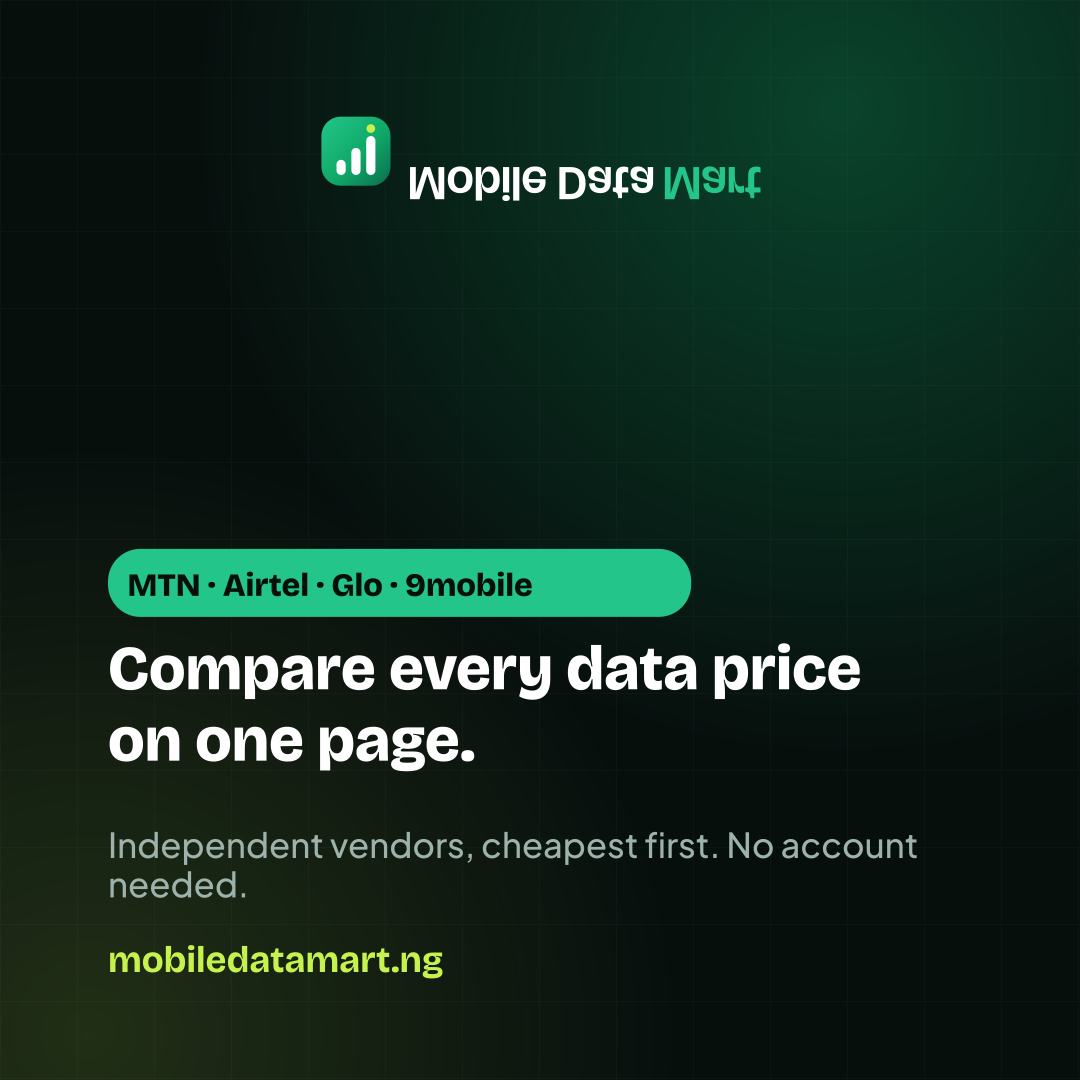
Takes the most vertical feed space on Instagram and Facebook.
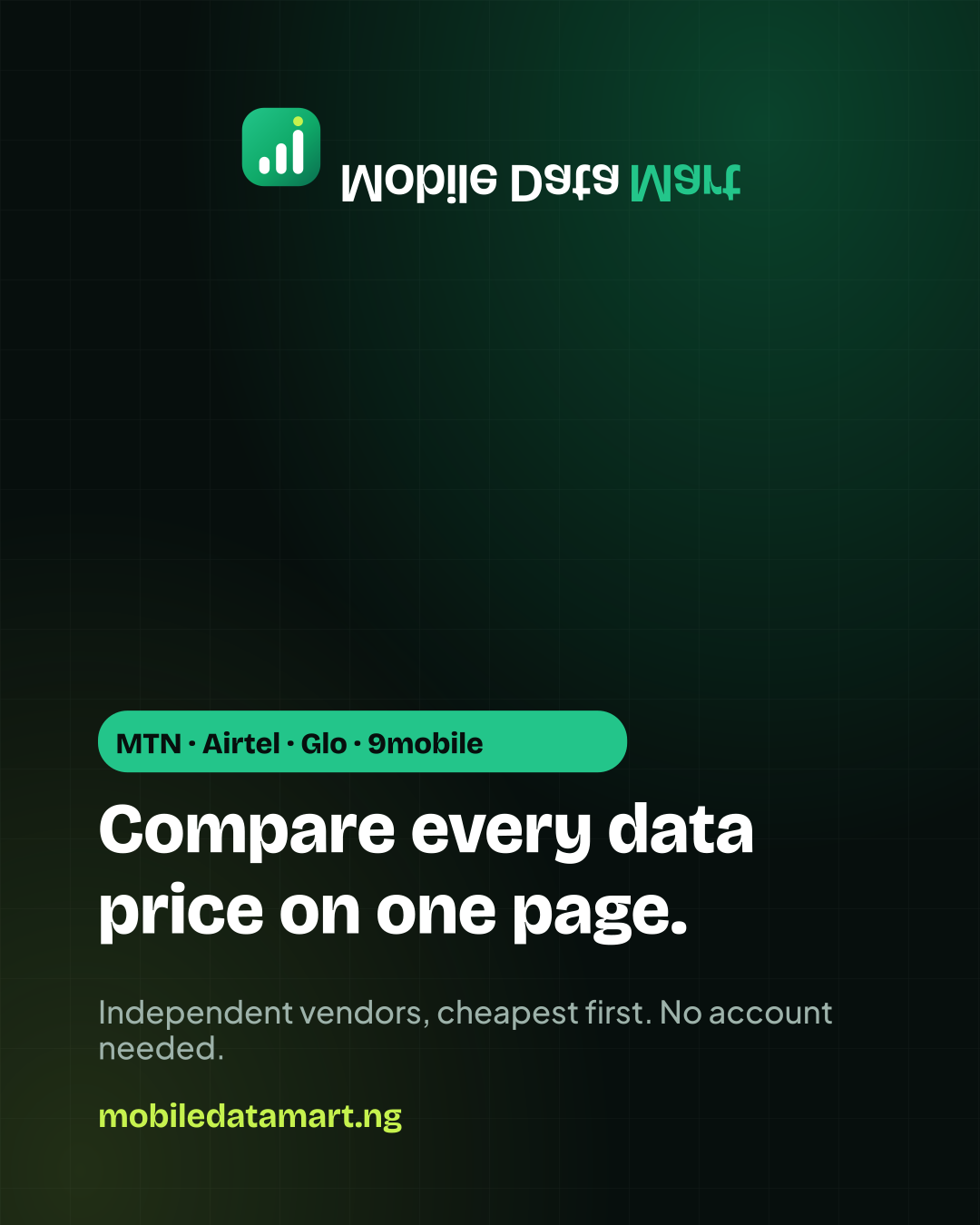
Stories and Reels. The name is kept out of the top and bottom UI bands.

The card a shared link unfurls to, matching the site's own Open Graph card.

Video
Short, sound-off loops for the placements that want motion — a story, a Reel, an in-feed video ad. They carry the same claims as the images above, so the two can be used together without contradicting each other.
9:16, sound-off, loops. The comparison claim — the differentiator. Use it first.
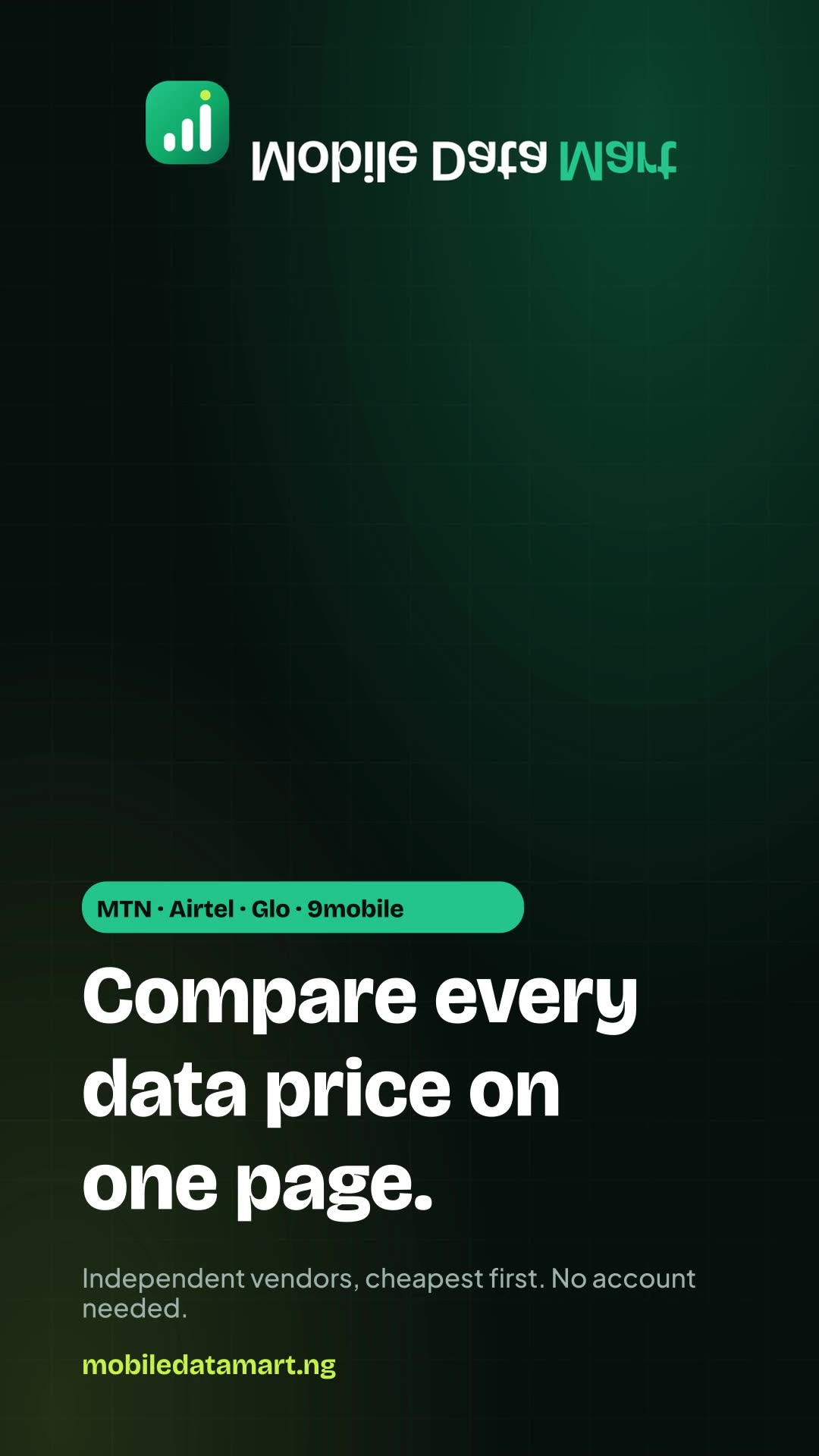
9:16, sound-off, loops. The objection handler: guest checkout, no sign-up.
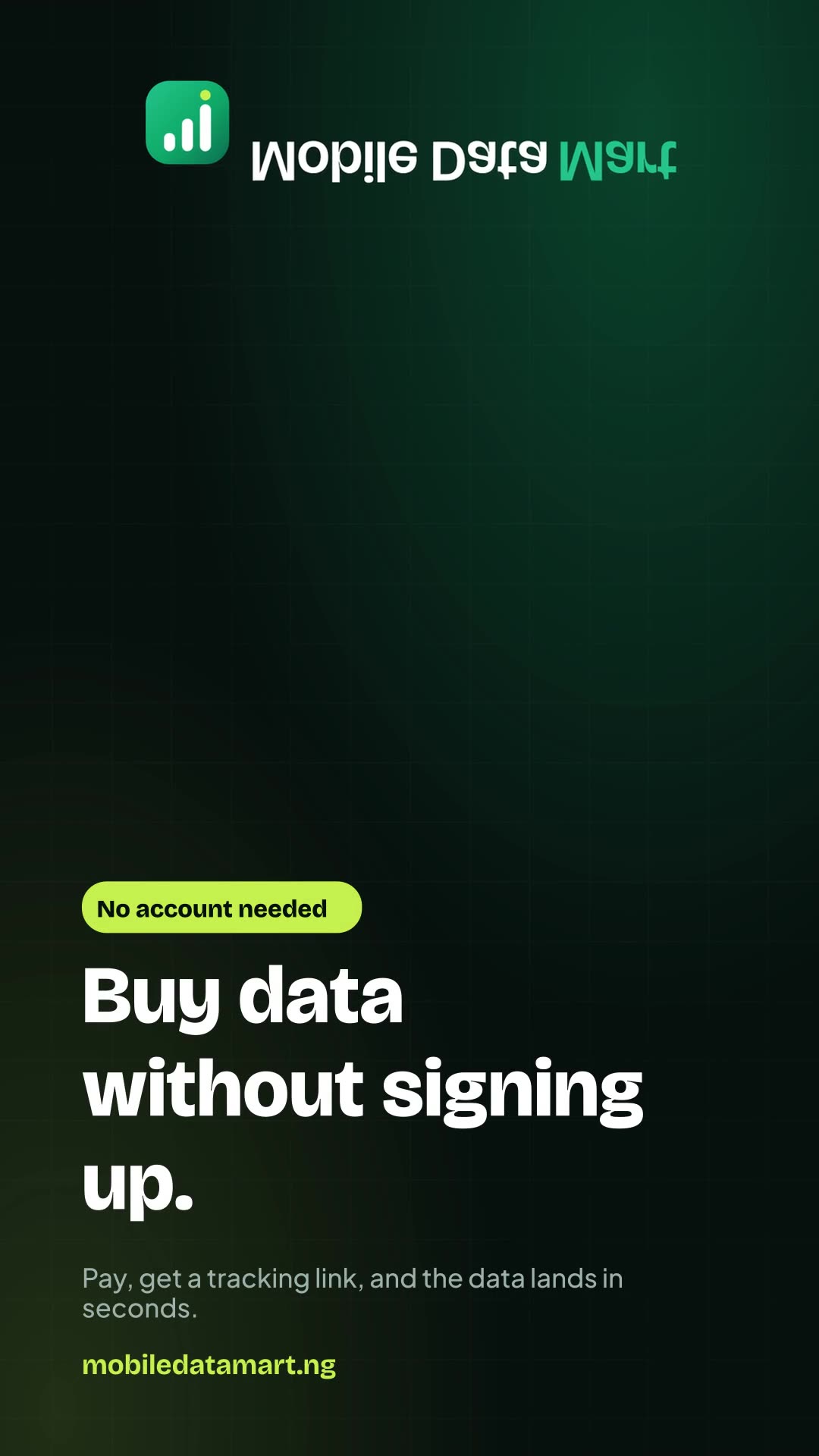
9:16, sound-off, loops. For the buyer who has been burned by a slow vendor.
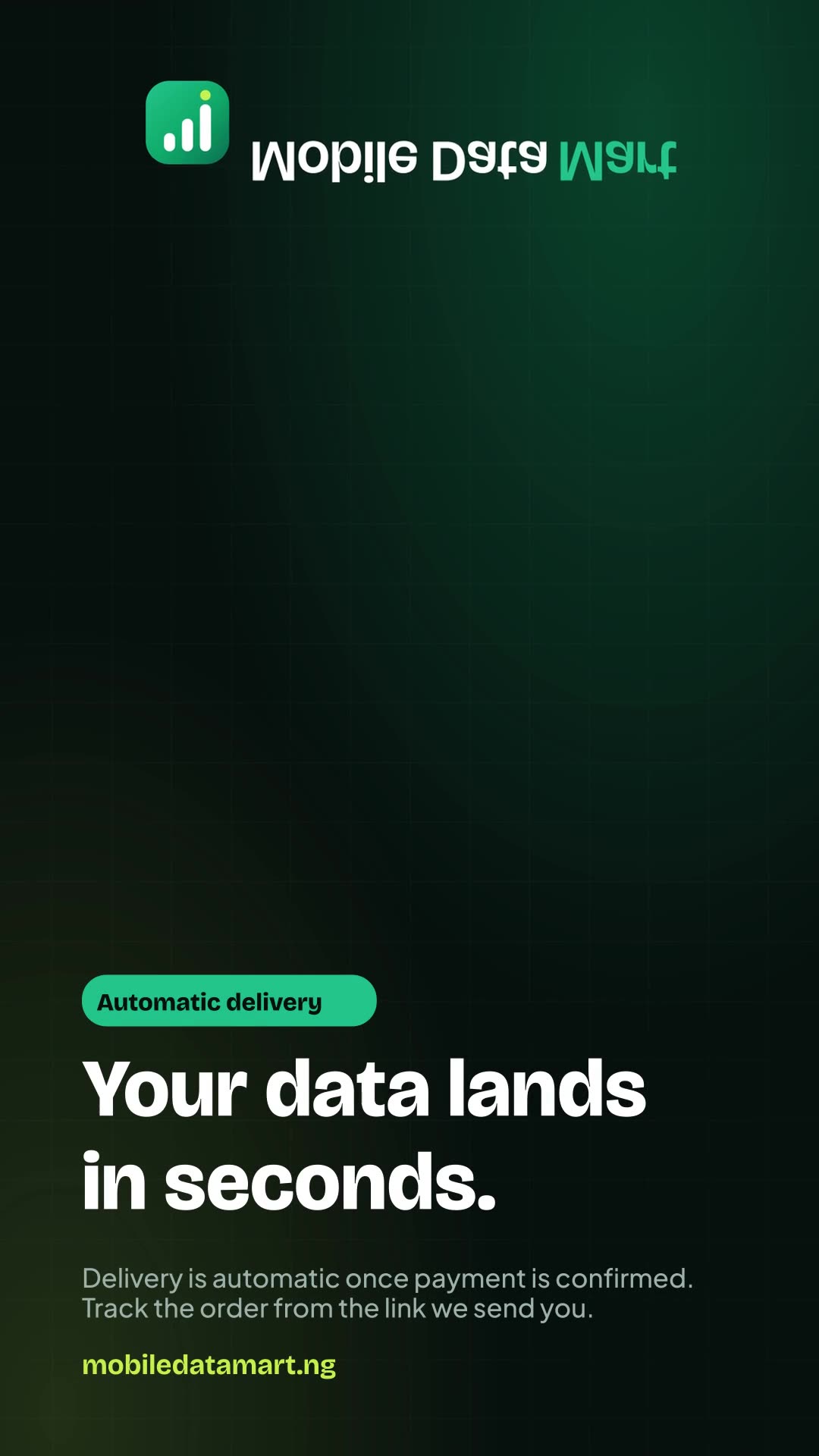
4:5, sound-off, loops. The same comparison for the feed, where the crop is squarer.
Colour
Click a swatch to copy its hex value. These are the same tokens the website is built from, so they match what a visitor actually sees.
Using the logo
A few rules keep the brand consistent wherever it appears.
- Give the logo room. Keep clear space around it of at least the height of the mark, so it never crowds a headline or an edge.
- Never stretch, rotate, recolour or add effects to the mark. If you need a single colour, use the glyph file.
- Use the light lockup on pale backgrounds and the dark one on dark backgrounds. Do not place either over a busy photograph.
- The smallest the mark should be drawn is 16px; the smallest the full lockup, about 24px of mark height. Below that, use the mark alone.
- The name is always two words with two capitals: Mobile Data Mart.
- Do not put the logo in the colours of MTN, Airtel, Glo or 9mobile. We are an independent marketplace and a mark that echoed a network would imply an endorsement that does not exist.